Jump to content
View in the app

A better way to browse. Learn more.

Top MC Server

A full-screen app on your home screen with push notifications, badges and more.

To install this app on iOS and iPadOS
  1. Tap the Share icon in Safari
  2. Scroll the menu and tap Add to Home Screen.
  3. Tap Add in the top-right corner.
To install this app on Android
  1. Tap the 3-dot menu (⋮) in the top-right corner of the browser.
  2. Tap Add to Home screen or Install app.
  3. Confirm by tapping Install.

Blogs

A batch of mod updates rolled out today aimed at stability, recipe fixes, and squashing a handful of bugs/exploits. Updated / Fixed Amendments — Fixed an issue with the dye bottle recipe. Cooking for Blockheads — Updated. Crafting Tweaks — Updated. Create: New Age — Updated to fix a server crash. Fusion — Updated. Inventory Pets (10 Year Anniversary) — Updated! Added the new “Dingot” pet Dingot can find and guide you to any structure in the game Plus assorted bug fixes / exploit patche
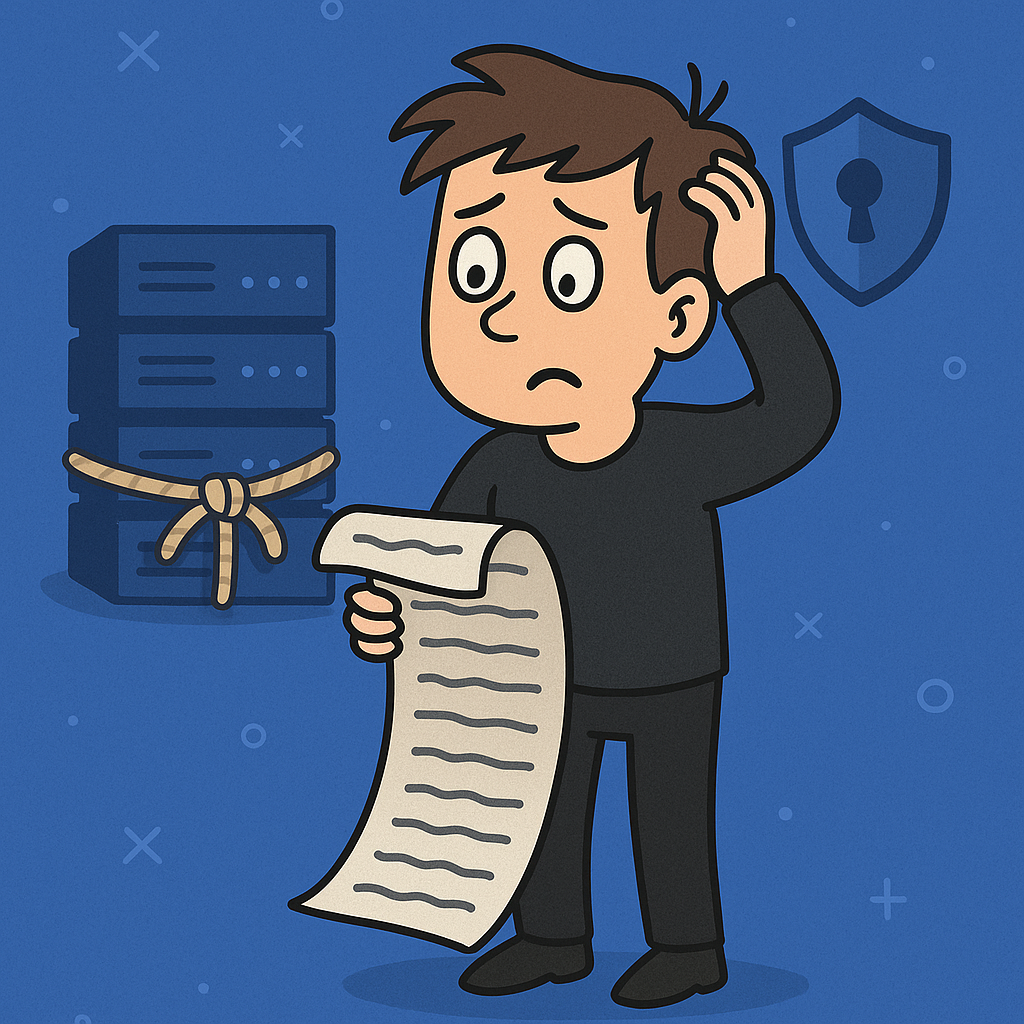
🧾 SECTION 1: TERMS OF SERVICE (ToS) Your ToS is your legal fortress. It's what users agree to when they sign up, and it better be clear, enforceable, and not just something you stole from a 2012 Minecraft server. ✅ Scope of Services What to include: Description of what you offer (VPS, shared hosting, domains, email) Limitations (e.g., best-effort uptime, not responsible for external outages) Why it matters: This limits your liability when Karen's Etsy site crashes because her cat stepped on th

Configure browser push notifications

Chrome (Android)
  1. Tap the lock icon next to the address bar.
  2. Tap Permissions → Notifications.
  3. Adjust your preference.
Chrome (Desktop)
  1. Click the padlock icon in the address bar.
  2. Select Site settings.
  3. Find Notifications and adjust your preference.