Jump to content
View in the app

A better way to browse. Learn more.

Top MC Server

A full-screen app on your home screen with push notifications, badges and more.

To install this app on iOS and iPadOS
  1. Tap the Share icon in Safari
  2. Scroll the menu and tap Add to Home Screen.
  3. Tap Add in the top-right corner.
To install this app on Android
  1. Tap the 3-dot menu (⋮) in the top-right corner of the browser.
  2. Tap Add to Home screen or Install app.
  3. Confirm by tapping Install.
A group blog by TMS Staff in TMS Blogs
  • Entries

    2
  • Comments

    0
  • Views

    1431

Contributors to this blog

About this blog

Helpful ideas, business insights and so fourth from the TMS Staff.

Entries in this blog

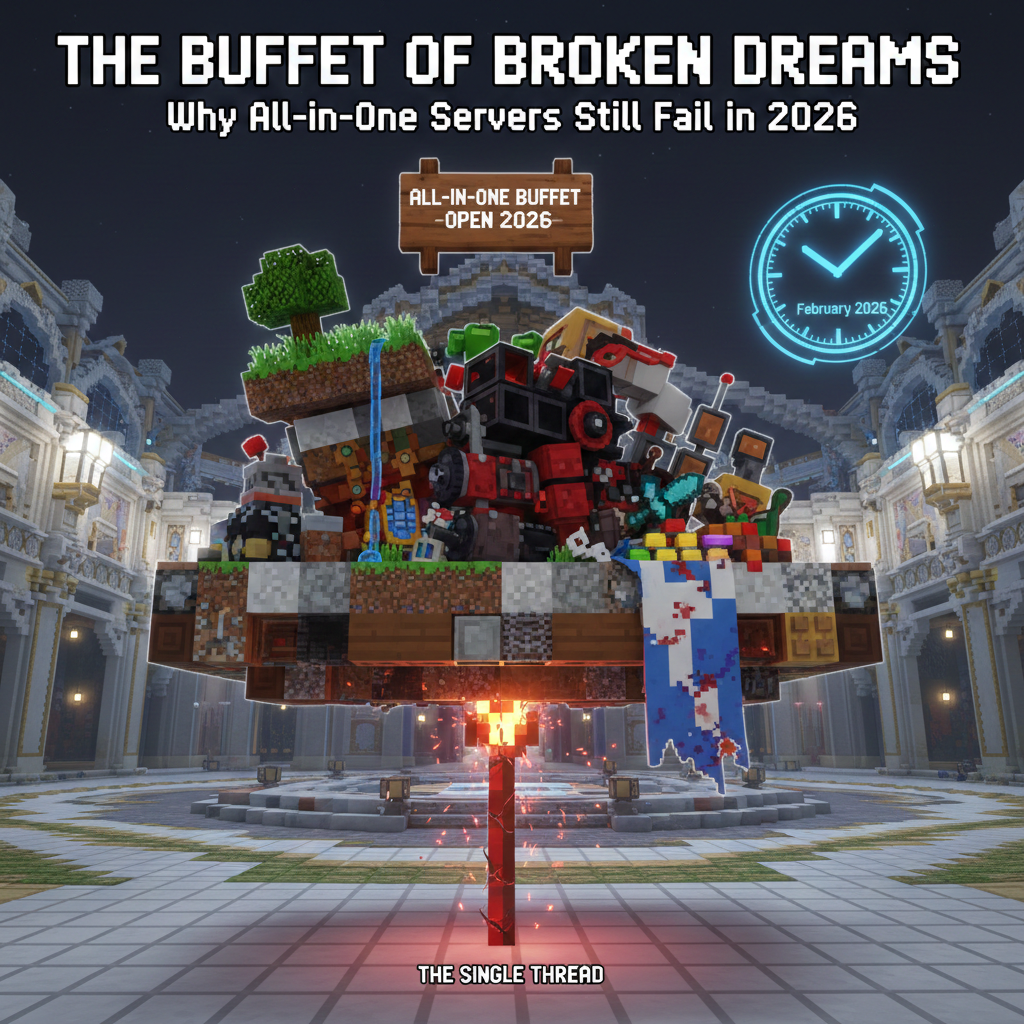
It is 2026, and somehow, the "Mega-Server" dream is still alive and kicking. You know the one: you join a single IP, and without ever switching servers, you have Factions to your left, Skyblock to your right, a Nations world somewhere in the basement, and a handful of Minigames floating in the sky. It sounds like a revolutionary "all-you-can-eat" buffet of blocky goodness. In reality, an all-in-one single-instance server is usually a "Buffet of Broken Dreams." Here is why trying to be everything

Configure browser push notifications

Chrome (Android)
  1. Tap the lock icon next to the address bar.
  2. Tap Permissions → Notifications.
  3. Adjust your preference.
Chrome (Desktop)
  1. Click the padlock icon in the address bar.
  2. Select Site settings.
  3. Find Notifications and adjust your preference.