
Jump to content
View in the app

A better way to browse. Learn more.

Top MC Server

A full-screen app on your home screen with push notifications, badges and more.

To install this app on iOS and iPadOS
  1. Tap the Share icon in Safari
  2. Scroll the menu and tap Add to Home Screen.
  3. Tap Add in the top-right corner.
To install this app on Android
  1. Tap the 3-dot menu (⋮) in the top-right corner of the browser.
  2. Tap Add to Home screen or Install app.
  3. Confirm by tapping Install.
A group blog by TMS Staff in TMS Blogs
  • Entries

    7
  • Comments

    0
  • Views

    2070

Contributors to this blog

About this blog

Helpful ideas, business insights and so fourth from the TMS Staff.

Entries in this blog

🧾 SECTION 1: TERMS OF SERVICE (ToS) Your ToS is your legal fortress. It's what users agree to when they sign up, and it better be clear, enforceable, and not just something you stole from a 2012 Minecraft server. ✅ Scope of Services What to include: Description of what you offer (VPS, shared hosting, domains, email) Limitations (e.g., best-effort uptime, not responsible for external outages) Why it matters: This limits your liability when Karen's Etsy site crashes because her cat stepped on th
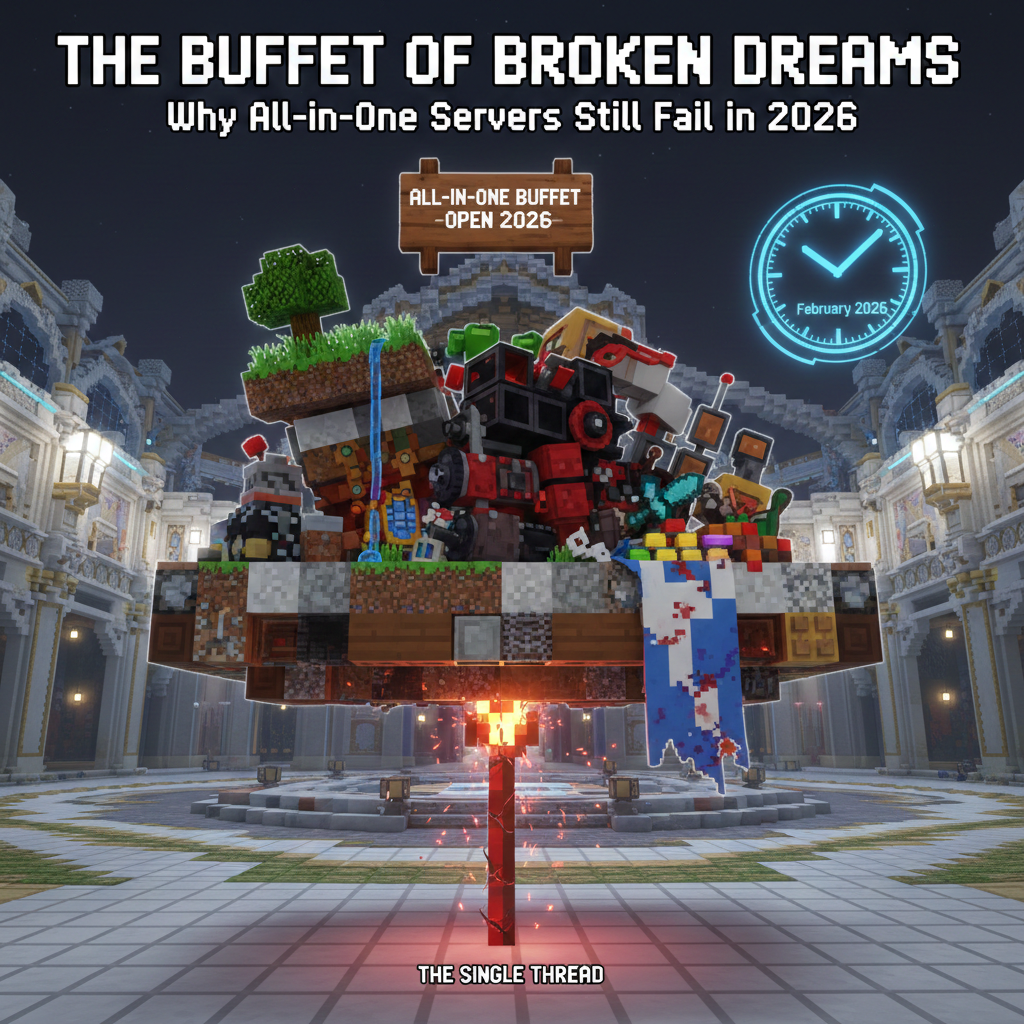
It is 2026, and somehow, the "Mega-Server" dream is still alive and kicking. You know the one: you join a single IP, and without ever switching servers, you have Factions to your left, Skyblock to your right, a Nations world somewhere in the basement, and a handful of Minigames floating in the sky. It sounds like a revolutionary "all-you-can-eat" buffet of blocky goodness. In reality, an all-in-one single-instance server is usually a "Buffet of Broken Dreams." Here is why trying to be everything
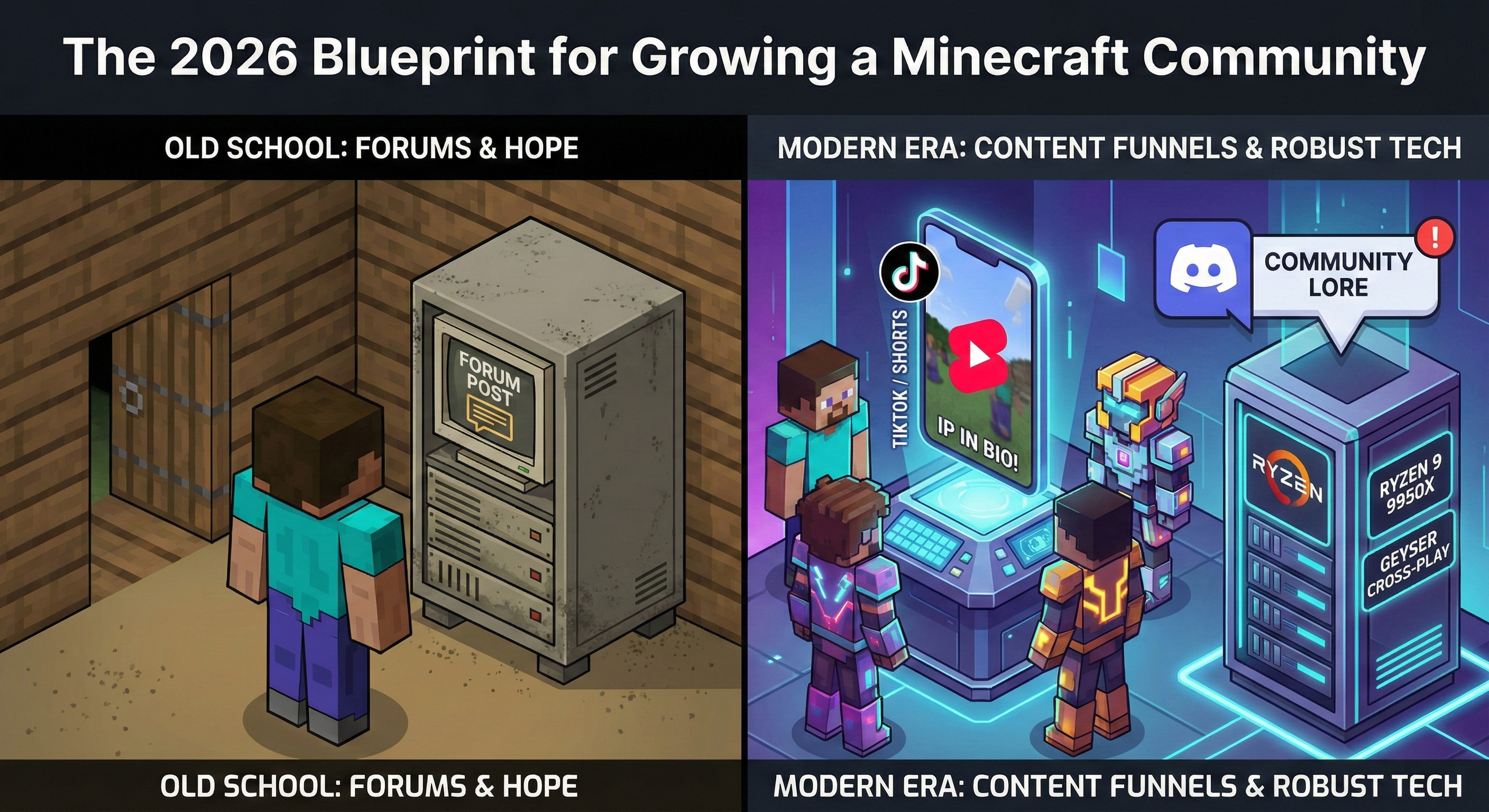
Growing a server in 2026 isn't just about "being friendly." It’s about building a digital brand that players can access anywhere, on any device, without lag. Whether you’re running a vanilla SMP or a heavy-duty modded Forge world, here is how you turn a lobby of three friends into a thriving community. 1. The Core Strategy: Modernizing the Basics The "30-Second Hook" (Unique Experience) In 2026, the first 30 seconds of a player’s session determine if they’ll ever come back. The Update: Forget
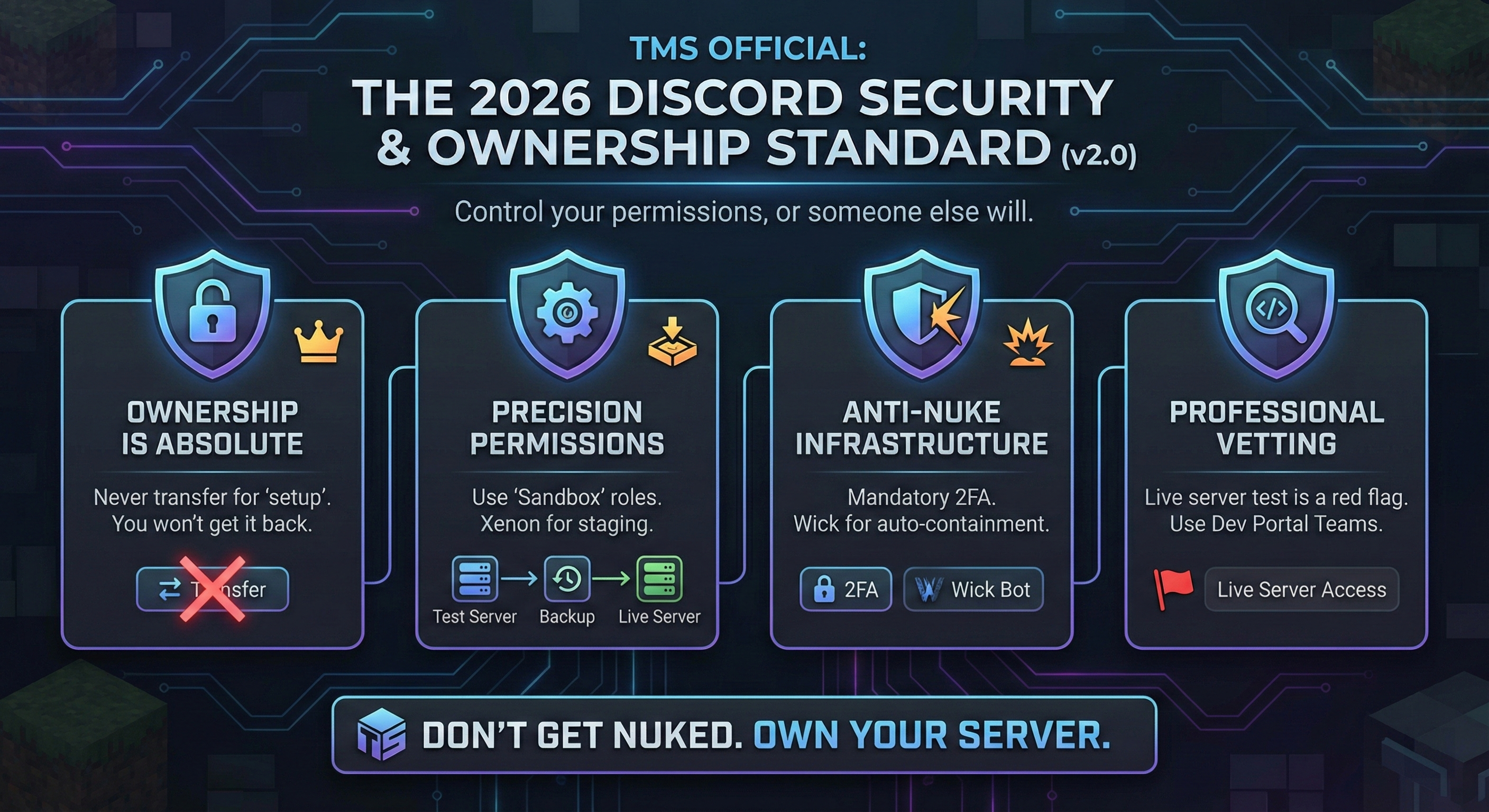
"Control your permissions, or someone else will." As the TMS Team, we prioritize server integrity. This document is the definitive standard for Minecraft community owners. If you ignore these protocols, you are voluntarily accepting the risk of a total community nuke. I. The Fundamental Commandments Ownership is Absolute: Never transfer Server Ownership for “setup.” If you transfer it willingly, you are unlikely to recover it unless the new owner cooperates. Discord’s ownership transfer proces
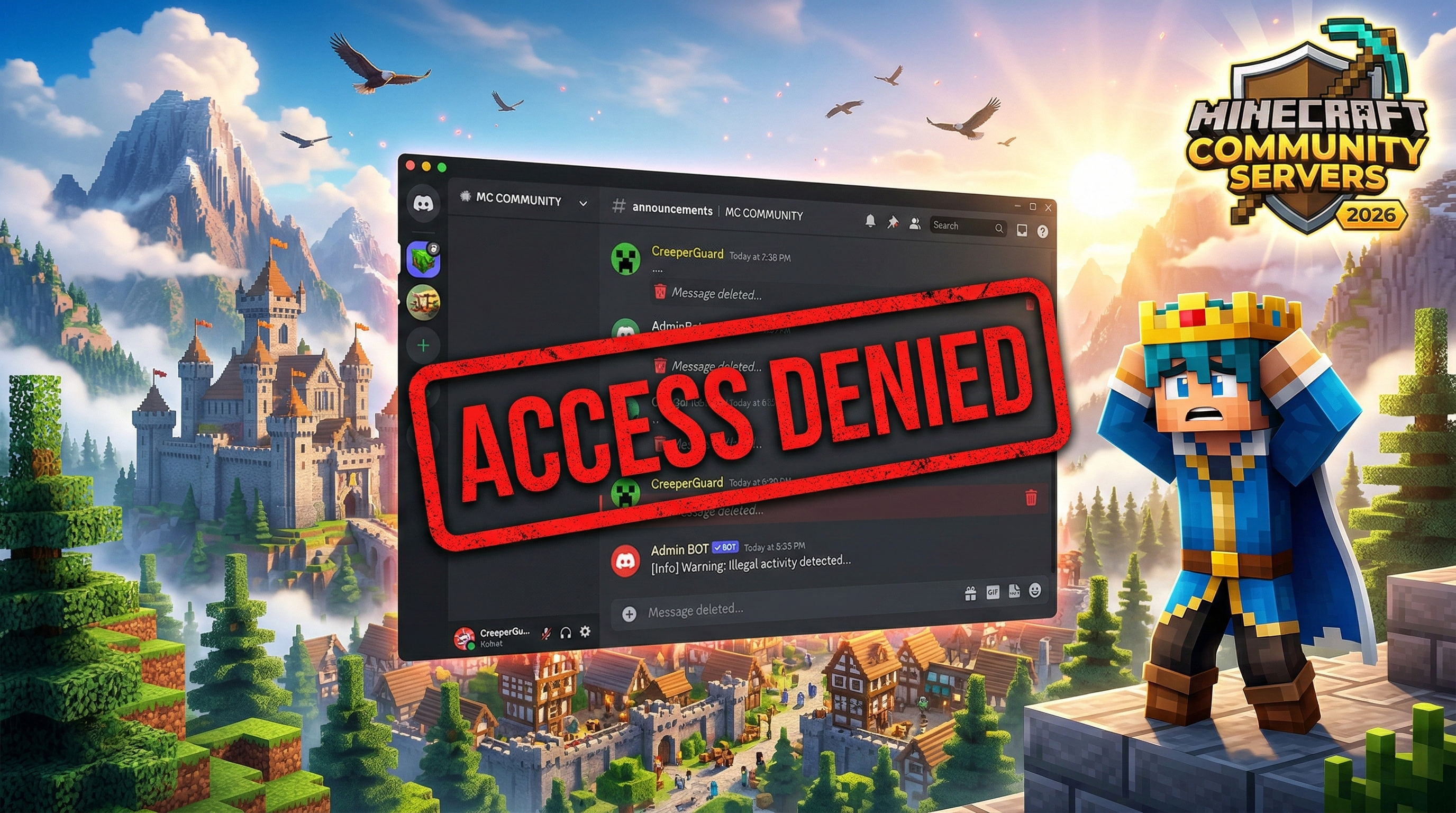
Why Spamming Other Discords is the Fastest Way to Kill Your Minecraft Server We’ve all seen it. You’re chilling in a community Discord, and someone joins just to drop a "Hey join my server! IP: play.scam-mc.net" before getting instantly nuked by a bot. As a server owner, you might be tempted to think this is a "free" way to get players. In reality, it is the most effective way to ensure your server never grows. If you are still joining other guilds to spam your IP or mass-DMing users, you are wo
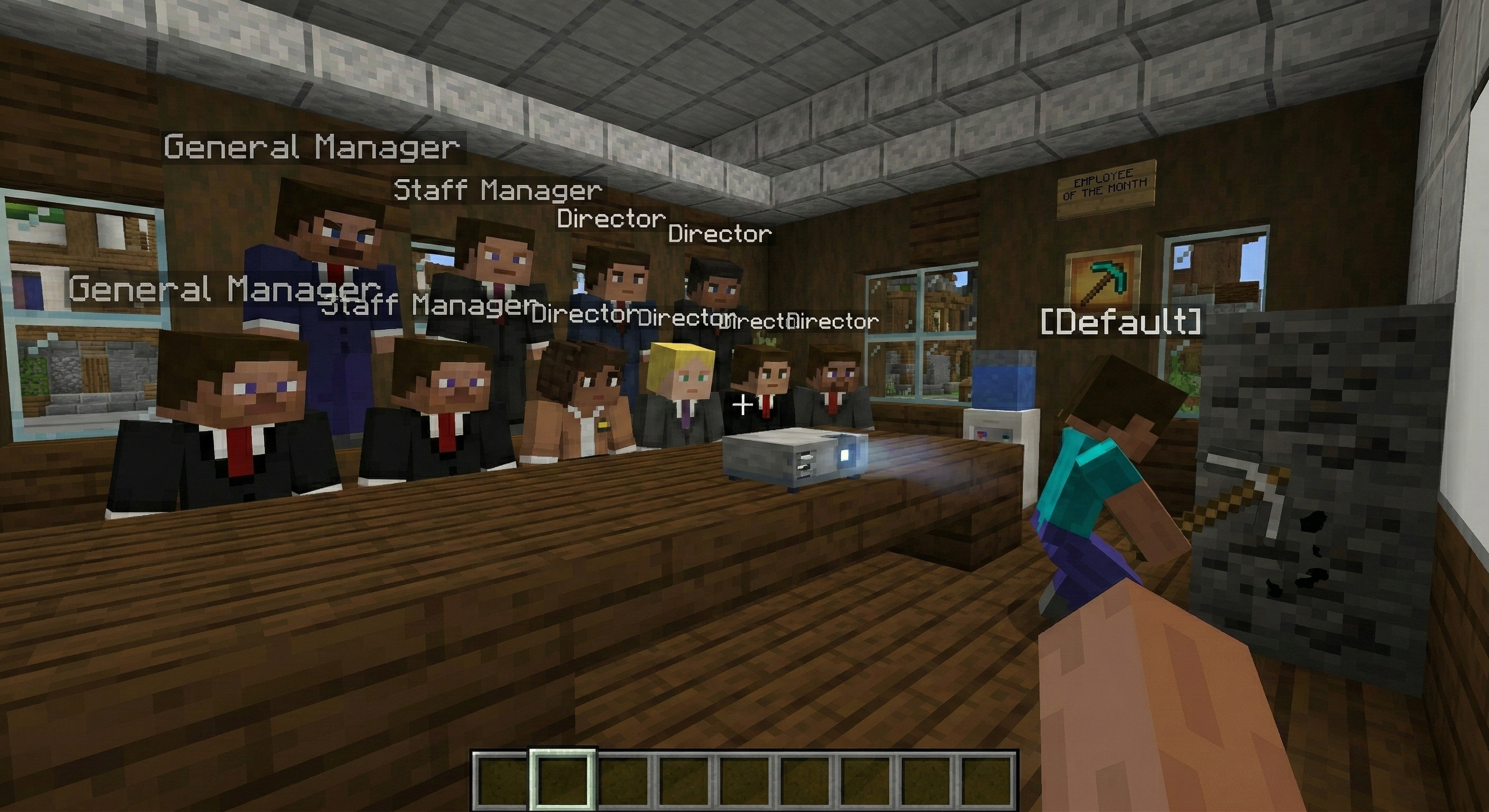
Congratulations. You have just started a Minecraft server. You have four friends who play once a week, a spawn built entirely out of diamond blocks, and, for some reason, a staff list longer than the credits of a Marvel movie. If your staff to player ratio is 2:1, you are not running a community: you are running a vanity project with extra steps. While massive networks require a structured distribution of authority, many small servers are drowning in rank bloat. This guide covers why your eight-
The Ultimate Guide: How to Get 'Starting Gear' (Investment) for Your Minecraft Server Running a Minecraft server is like playing in a high-stakes survival world. To build something big, you sometimes need more "starting gear" (money) than you have in your personal inventory. While many people just send a quick, messy Discord DM, that rarely gets a "yes." To find a partner or investor, you have to show them that you have a plan that is fun, organized, and smart. 1. Thinking Like a Pro (The "Loot

Configure browser push notifications

Chrome (Android)
  1. Tap the lock icon next to the address bar.
  2. Tap Permissions → Notifications.
  3. Adjust your preference.
Chrome (Desktop)
  1. Click the padlock icon in the address bar.
  2. Select Site settings.
  3. Find Notifications and adjust your preference.