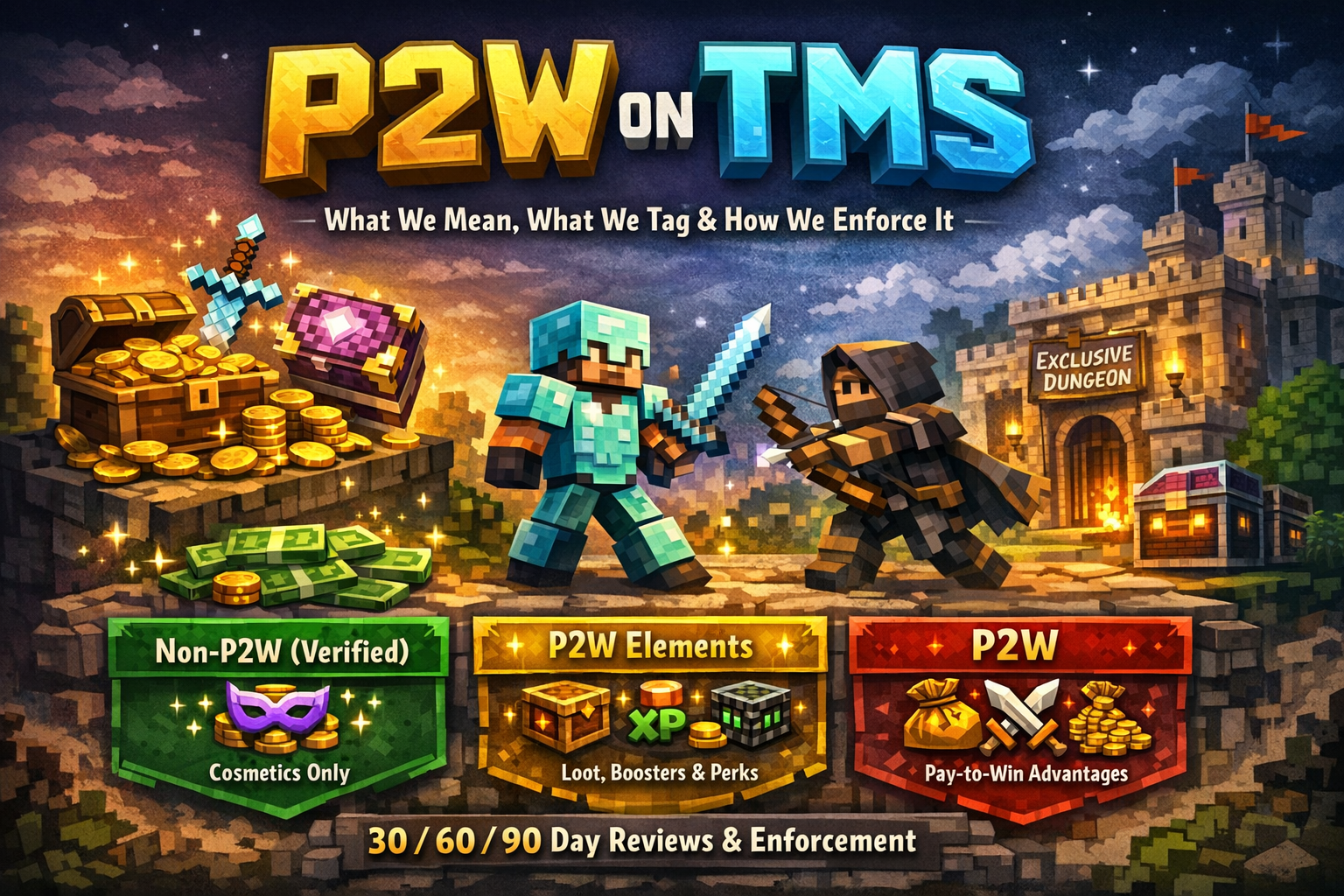
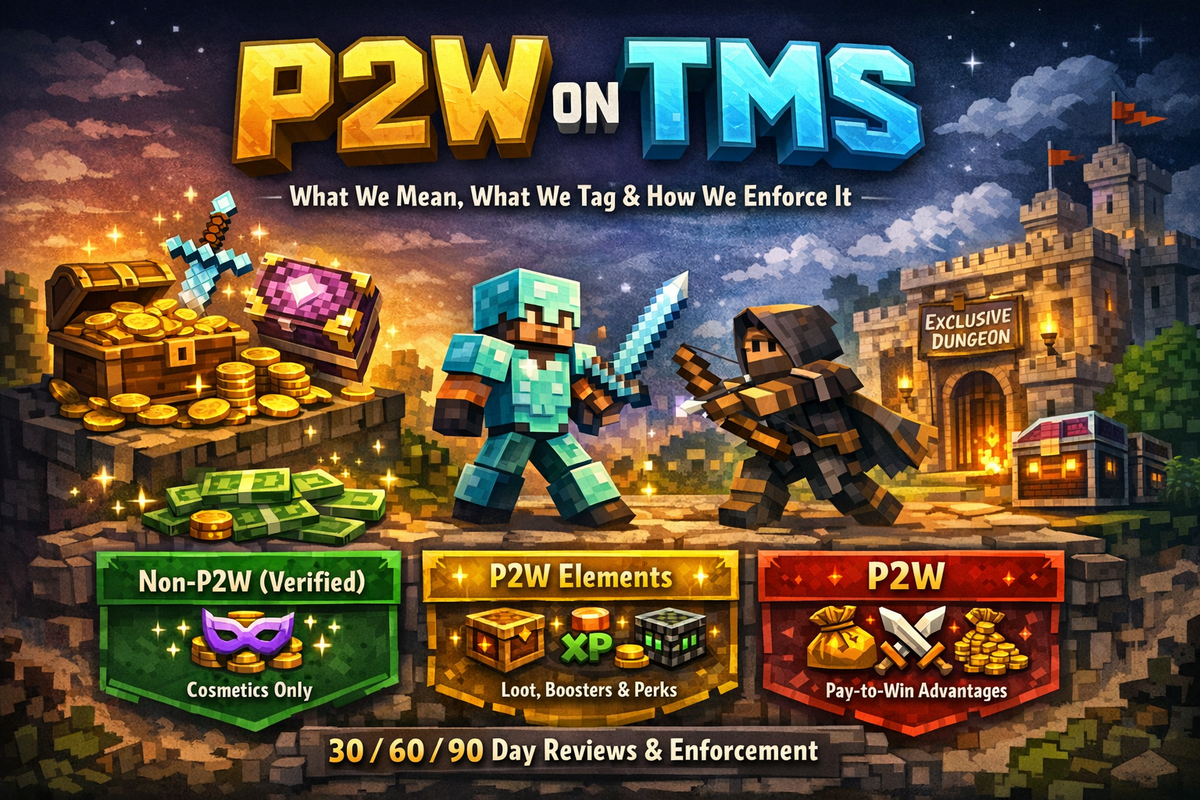
P2W on TMS: What We Mean, What We Tag, and How We Enforce It

By askray. in Official Guides
· 4 views
Minecraft monetization is a spectrum. Some servers sell cosmetics and keep gameplay perfectly fair. Others sell advantages (sometimes openly, sometimes… creatively). At TMS, we’re not here to moralize — we’re here to label servers accurately so players can pick what they want on purpose.
This post explains:
What TMS classifies as Pay-to-Win (P2W)
How our Trust & Safety team applies tags
How ongoing enforcement works with 30/60/90 day reviews
Our core definition of P2W
Pay-to-Win (P2W) means:
Spending real money (or paid currency) gives players a meaningful gameplay advantage over non-paying players in outcomes that matter.
“Meaningful advantage” includes (but isn’t limited to):
PvP / combat power (damage, survivability, better gear/enchants, combat utilities)
Progression speed (XP boosts, skill boosts, loot multipliers, faster leveling)
Economy advantage (money multipliers, exclusive income sources, better shop/market access)
Territory / protection advantage (more claim power, stronger protections, raiding advantages)
Access to power-gated content (paid-only items, enchants, bosses, areas, systems)
If paying raises your chance to win or skips meaningful grind in a way non-paying players can’t reasonably match, it’s P2W.
What is not P2W (safe zone)
These are typically Non-P2W-friendly:
Cosmetics-only: particles, tags, cosmetics, purely visual pets, emotes, chat colors, decorative items
Donation/supporter perks that don’t affect gameplay: supporter badges, Discord perks, queue priority (where applicable)
Cosmetic crates where rewards are strictly visual and don’t impact gameplay outcomes
The “usually P2W” zone (common offenders)
These are generally tagged as P2W or P2W Elements, depending on severity and availability in-game:
Crates / keys / lootboxes
If crates can drop gear, enchants, currency, spawners, ranks with power perks, or anything that affects progression/combat/economy — that’s P2W.
Boosters
XP boosts, skill boosts (mcMMO), loot multipliers, money multipliers.
Power commands and bypasses
/fly in survival (especially with PvP/economy impact)
/heal, /feed, /god, combat-tag bypass
Anything that reduces risk or time in a way that affects outcomes
Economy and territory advantages
Bigger/better shop limits, lower taxes/fees, exclusive sell tools, paid claim strength, paid raid defense/offense advantages
The “reasonable parity” rule (how we decide borderline cases)
Some perks sit in a grey area. So we use a simple test:
If a non-paying player can get the same functional benefit in-game in a reasonable time — without it distorting PvP/economy — it may qualify as Non-P2W.
If paying effectively skips the server’s core progression loop or unlocks power that’s not realistically accessible otherwise, it will not be tagged Non-P2W.
TMS P2W tags (what you’ll see on listings)
We use tags to reflect reality clearly:
Non-P2W (Verified)
No paid gameplay advantages. Cosmetics/support only.
Unverified
Not reviewed yet (or insufficient info).
P2W
Paid advantages clearly affect gameplay outcomes.
How Trust & Safety enforces P2W tags
We treat this like an audit, not a vibes-check.
What we review
Public store pages and perk descriptions
Crate tables / reward lists (when shown)
Rank perk lists and command access
In-game tests (when needed)
Server-owner disclosures and staff responses
Community reports with evidence (screenshots/video/links)
What we don’t do
We don’t punish servers for monetizing.
We don’t “approve” monetization models.
We don’t take action based on rumors — evidence only.
Outcomes of a review
Tag stays the same
Tag is updated (and logged internally)
Listing marked Unverified while we collect more info
In rare cases: servers misrepresenting monetization may lose “Verified” status until corrected
Our 30 / 60 / 90 day review cycle
Minecraft servers evolve fast. So our enforcement is ongoing, not one-and-done.
30-day review (new or newly verified)
Applied to servers that are:
Newly listed with a monetization claim
Newly granted Non-P2W (Verified)
Goal: confirm nothing changed after the tag went live.
60-day review (risk-based)
Applied when we see signals like:
Store revamps
New seasons/resets
New ranks/crates announced
A spike in reports (with evidence)
Goal: catch mid-cycle monetization shifts.
90-day review (routine)
A recurring check for:
Verified servers
High-traffic listings
Servers with prior tag disputes
Goal: keep tags accurate over time.
Reporting and appeals
Player reports
If you think a tag is wrong, you can report it with:
Store link
Screenshots/video
What was purchased and what advantage it gave
Reports without evidence may be logged, but they won’t drive enforcement alone.
Server owner appeals / re-reviews
Owners can request a re-review any time — especially after removing P2W elements. We’ll ask for:
Store link and full perk list
Confirmation of crate tables (if applicable)
Anything changed since the last review
Transparency: what this system is (and isn’t)
This isn’t about “good” or “bad” servers. It’s about honest labels.
Some players want P2W. Others avoid it like lava. The point is:
you should know what you’re joining before you invest your time.
Final note
If your server is Non-P2W, we’re happy to verify it — but “Non-P2W” has to mean something consistent, or it means nothing.
Recommended Comments